TL;DR
A Family Handyman reviewer tested RISEON’s Magic and Magic Pro smartphone thermal cameras around a home, observing temperature patterns at walls, vents, windows and carpet. Thermal images can help homeowners identify areas to investigate, but they cannot confirm an air leak, missing insulation or the cause of a temperature difference.
Family Handyman reviewer Paul Rankin tested the RISEON Magic and Magic Pro smartphone thermal cameras around his home, reporting that they revealed temperature patterns across walls, vents, windows and carpet. The cameras may help homeowners identify places to investigate for possible heat loss, but the images alone do not establish the cause of a cold or warm spot.

Get backup power and energy gear delivered free with Prime
- Fast, free delivery on millions of items
- Prime Video, Amazon Music and more included
- Member-only deals all year
The Magic Series cameras detect infrared radiation and display surface temperature differences as a thermal image. In Rankin’s testing, the images showed cooler areas around household features and visible warmth left by his footprints on carpet. Plugged-in electronics and air-conditioning vents also appeared at different temperatures from their surroundings.
The reviewer said both devices connect directly to a compatible USB-C device and use RISEON software. He described a setup involving plugging in the camera, downloading the app and viewing a live feed, with controls to capture photos or video. The source says the cameras do not support Lightning connectors.
The supplied product details say the RISEON Magic has a native 160-by-120-pixel thermal sensor, with images enhanced to 320-by-240 pixels through the company’s QuadIR processing technology. Its stated refresh rate is 25Hz. Rankin also reported that temperature patterns let him see wall framing during his test. These are product specifications and observations from the source, not an independent evaluation of accuracy or performance across homes.
Find heat patterns at home with thermal imaging
RISEON’s Magic Series cameras can highlight surface temperature differences to investigate. Those images can guide checks, but cannot diagnose their cause.
Where patterns can guide checks
The reviewer observed temperature differences around home features during testing.
Check the edges
A cooler patch can prompt a closer look at weatherstripping, caulking or nearby insulation.
Compare surfaces
Temperature patterns revealed wall framing in the reviewer’s test, but do not establish an insulation defect.
Review airflow areas
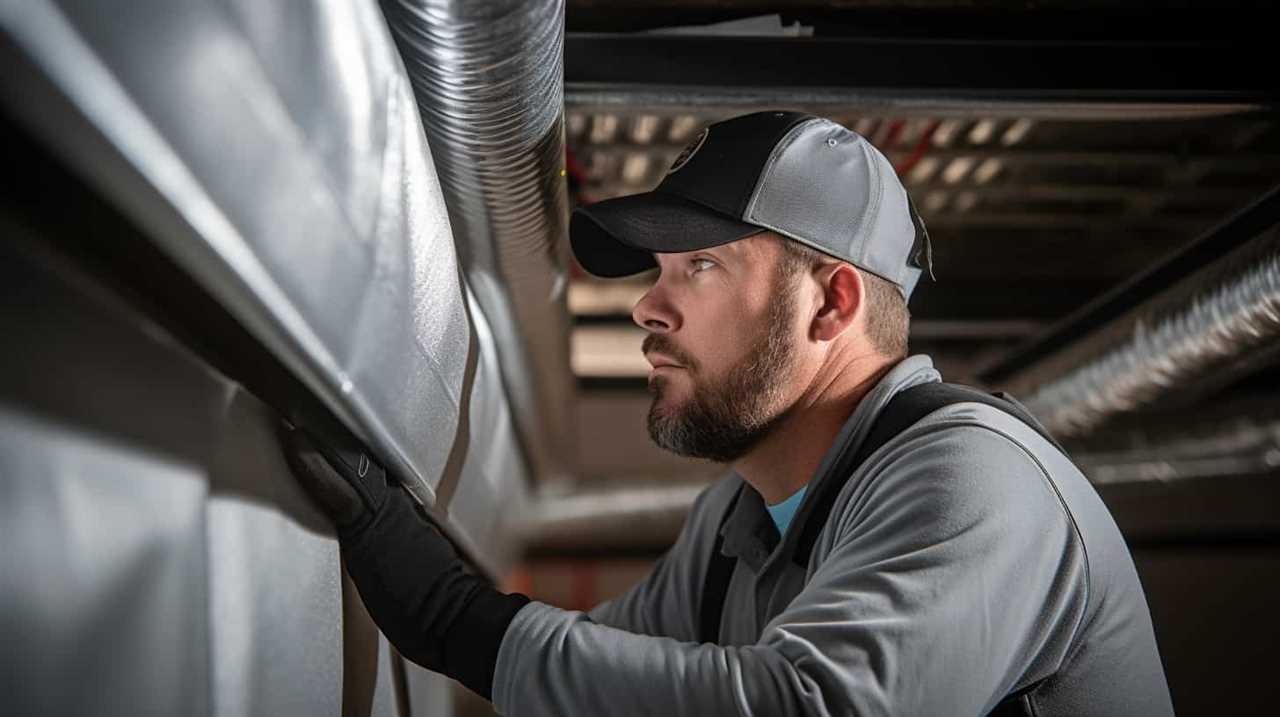
Differences around vents and ductwork may help identify spots for an HVAC check.
Notice recent warmth
The reviewer saw warmth left by footprints, showing that images can reflect everyday surface changes.
What the camera can and cannot tell you
| Thermal image can show | It cannot confirm |
|---|---|
| Surface temperature differences | A specific air leak or its cause |
| Patterns worth inspecting | Missing insulation behind a wall |
| Unusual warmth or coolness | A moisture source or equipment fault |
Follow up on unusual spots
Treat an image as a starting point and choose the next check based on the location.
Check weatherstripping, caulking and comparable nearby surfaces.
Use an appropriate specialist or professional assessment when the cause is unclear; suspected moisture may need a moisture meter or professional inspection.
Confirm compatible USB-C connection and RISEON software; Lightning connectors are not supported.
Where Thermal Images Can Guide Checks
For homeowners dealing with uneven heating or high energy bills, thermal imaging can offer a way to narrow down areas for closer inspection before opening a wall or replacing materials. A cooler patch near a window, for example, can prompt a check of weatherstripping, caulking or nearby insulation. Differences around vents may also help identify spots to examine as part of an HVAC check.
The EPA’s ENERGY STAR program is cited in the source as saying that sealing air leaks and adding insulation where needed can save an average of 15% on heating and cooling costs. That figure is not a predicted saving from buying or using a RISEON camera. The camera can show surface temperature patterns, but identifying a problem and carrying out effective repairs are separate steps.
Thermal images may also flag patterns that warrant another tool or professional review, including possible moisture concerns or unusual heat near equipment. They are a screening aid, not a diagnosis: the source cautions that several causes can produce similar temperature differences, and the device cannot show exactly what is happening behind a wall.
Products Worth Considering

Sonos Era 100 Wireless Smart Speaker with Alexa, Black

Dyson V8 Cyclone Cordless Vacuum

Levoit Core 600S-P Smart Air Purifier for Large Rooms
As an affiliate, we earn on qualifying purchases.
What the Home Test Covered
Rankin said he spent a couple of days using the Magic and Magic Pro around his house. The reported checks included windows and exterior walls, HVAC vents and carpet. He described the devices as small, phone-connected cameras, with the accompanying app displaying a live thermal feed and providing basic image and video capture controls.
The source describes possible uses beyond finding cold spots: checking for uneven insulation across walls or ceilings, comparing temperatures around vents and ductwork, and spotting temperature patterns that might justify a closer look for moisture. None of those patterns proves a specific fault. The source advises using a moisture meter or professional inspection when a possible moisture issue needs confirmation.
The article also mentions that the Magic and Magic Pro were offered at discounts of up to 45% during Black Friday sales. It gives no year or current listing information, so that promotion should not be read as a confirmed price or active offer today.
What the Images Cannot Confirm
The supplied account does not provide a controlled comparison with professional thermal equipment, independent accuracy testing, or a quantified assessment of energy savings from using either camera. It also does not provide full testing results for the Magic Pro or establish how well either model performs across different building materials, weather conditions or phone models.
A thermal camera measures surface temperature patterns; it does not directly identify an air leak, insulation defect, moisture source or equipment failure. A cold area near a window, for instance, may warrant inspection but is not proof that the window is leaking. The source also does not identify a current sale price or confirm that the reported Black Friday offer remains available.
Any suspected electrical hazard should be left to a qualified professional. The source specifically cautions against treating thermal imaging as a substitute for qualified electrical inspection.
How to Follow Up on Cold Spots
Homeowners using a thermal camera can treat unusual patterns as a starting point: inspect accessible weatherstripping and caulking, compare similar areas, and record images for reference. If the cause is not apparent, a professional energy assessment or appropriate specialist can help determine whether the issue involves air leakage, insulation, HVAC performance or another source.
Before buying either camera, check that the phone, tablet or computer has a compatible USB-C connection and can run RISEON’s software. Buyers should verify current specifications, compatibility and pricing with the retailer, since the source’s Black Friday discount has no dated offer details. No further testing results or product updates are provided in the supplied material.
Key Questions
Can a RISEON thermal camera prove that a window is leaking air?
No. It can show a temperature difference near the window, which may be a reason to inspect weatherstripping, caulking or insulation. The image alone does not confirm an air leak or explain its cause.
Which devices do the Magic Series cameras connect to?
The source says the cameras connect to a compatible USB-C phone, tablet or computer and require RISEON software. It says they do not support Lightning connectors.
What resolution does the RISEON Magic have?
The supplied product information lists a 160-by-120-pixel native thermal sensor, with images enhanced to 320-by-240 pixels using RISEON’s QuadIR processing technology. The source gives a 25Hz refresh rate.
Does using a thermal camera guarantee lower heating bills?
No. The camera can help locate areas to investigate, but it does not carry out repairs or guarantee savings. ENERGY STAR’s cited average saving of 15% on heating and cooling costs refers to sealing air leaks and adding insulation where needed—not to using a camera.
Are the cameras still 45% off?
The source mentions discounts of up to 45% during Black Friday sales, but does not give a year or confirm current availability. Check retailer listings for present prices and offers.
Source: familyhandyman.com